🧠
ReAct Reasoning Loop
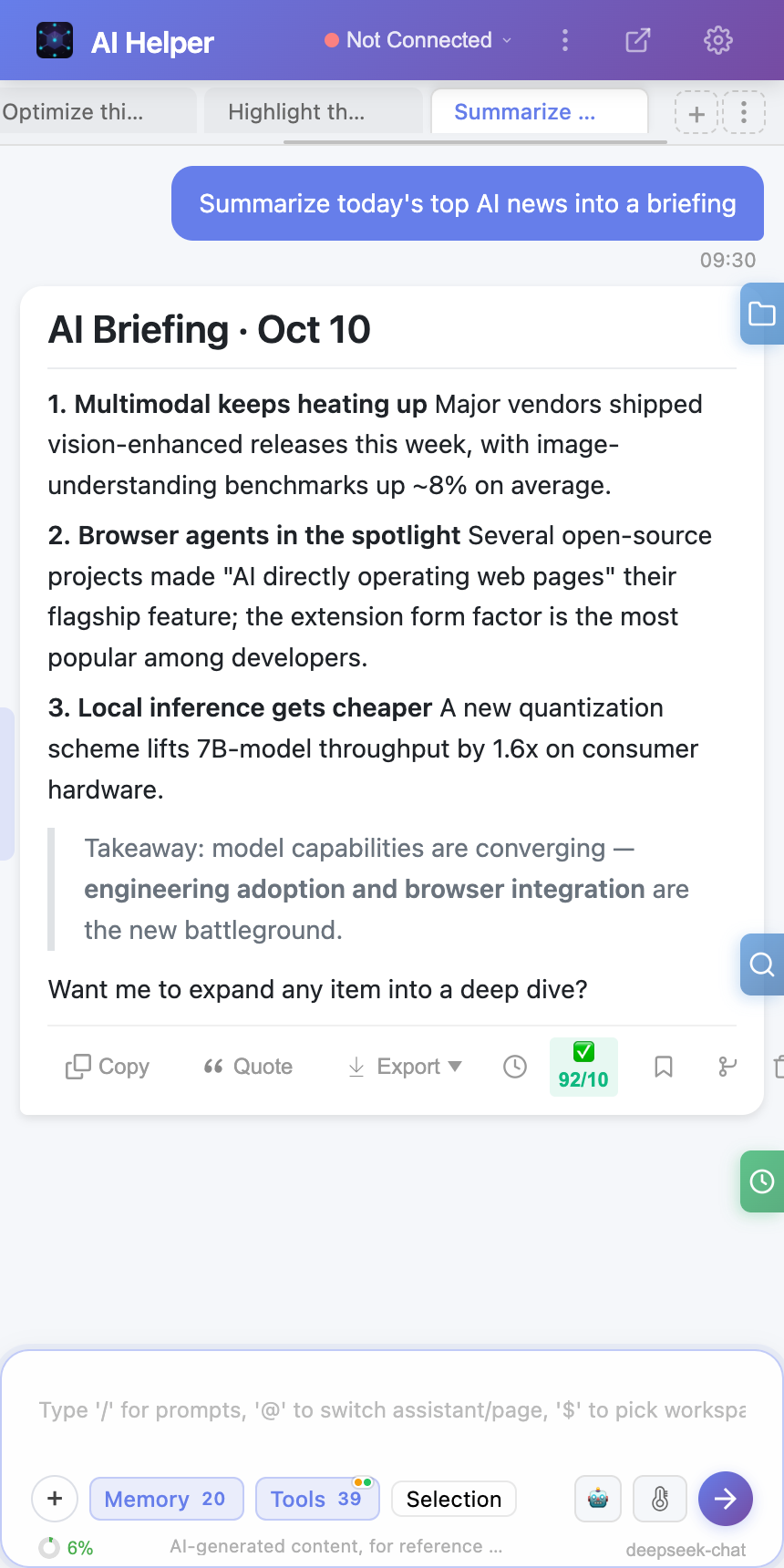
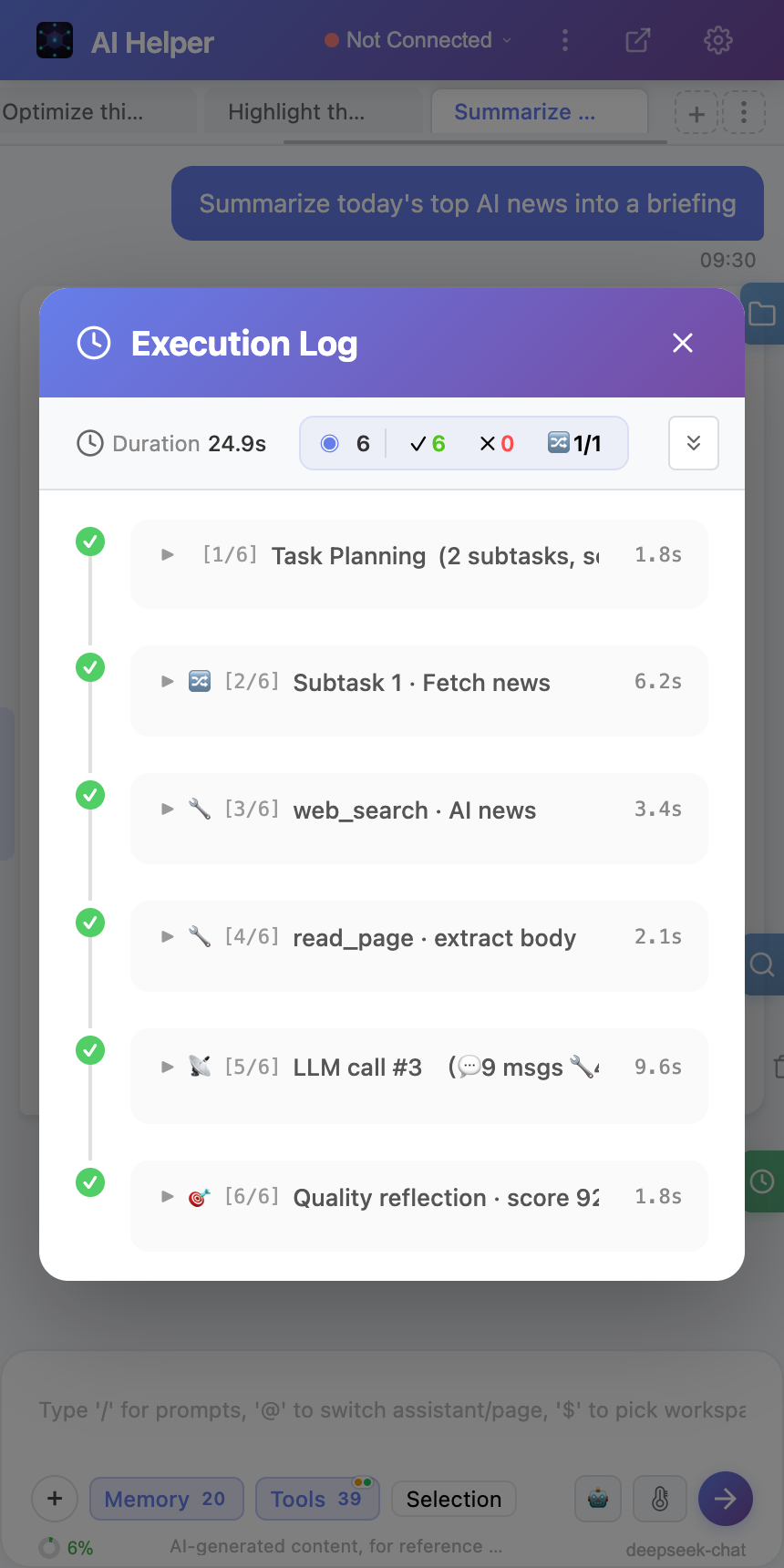
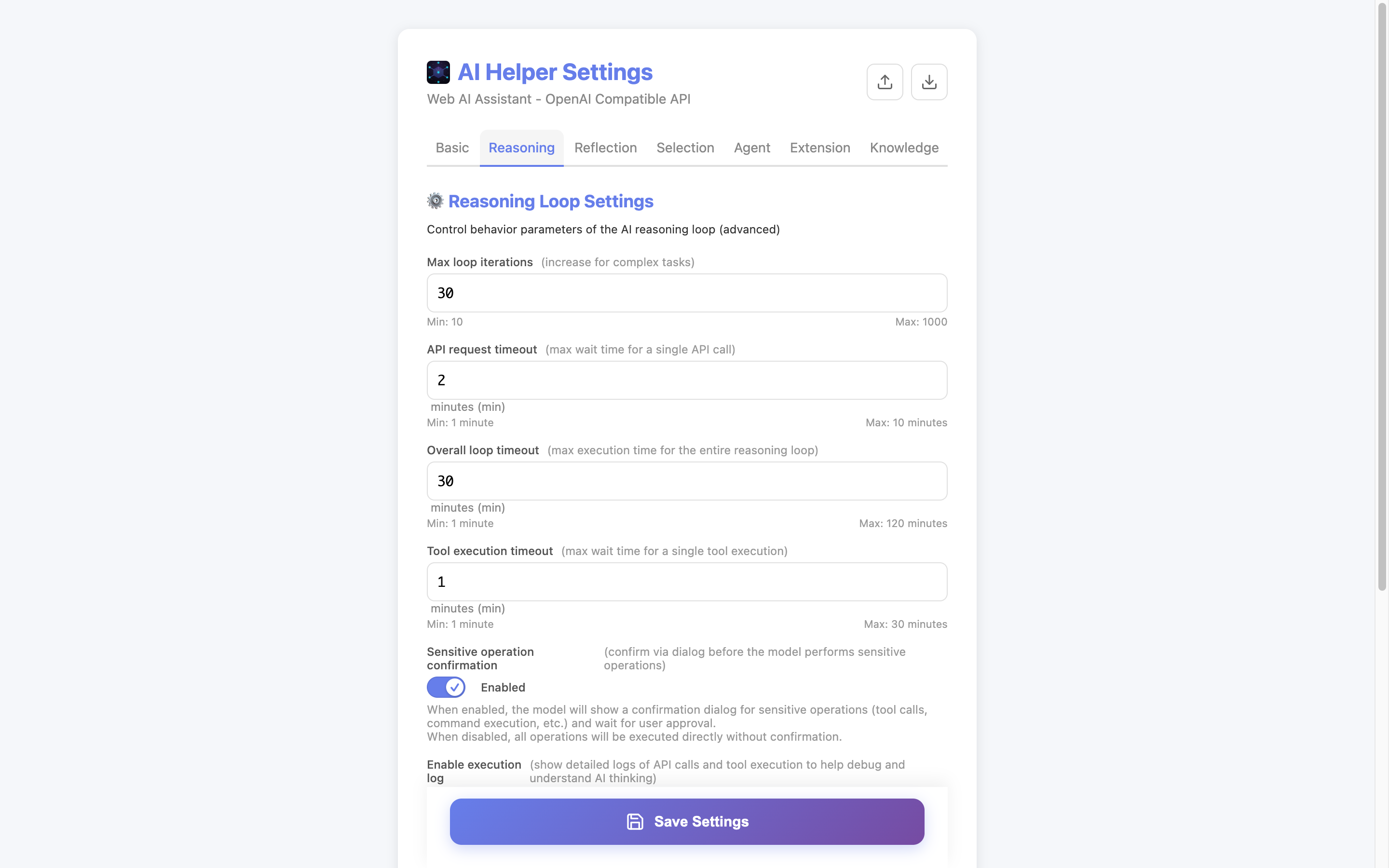
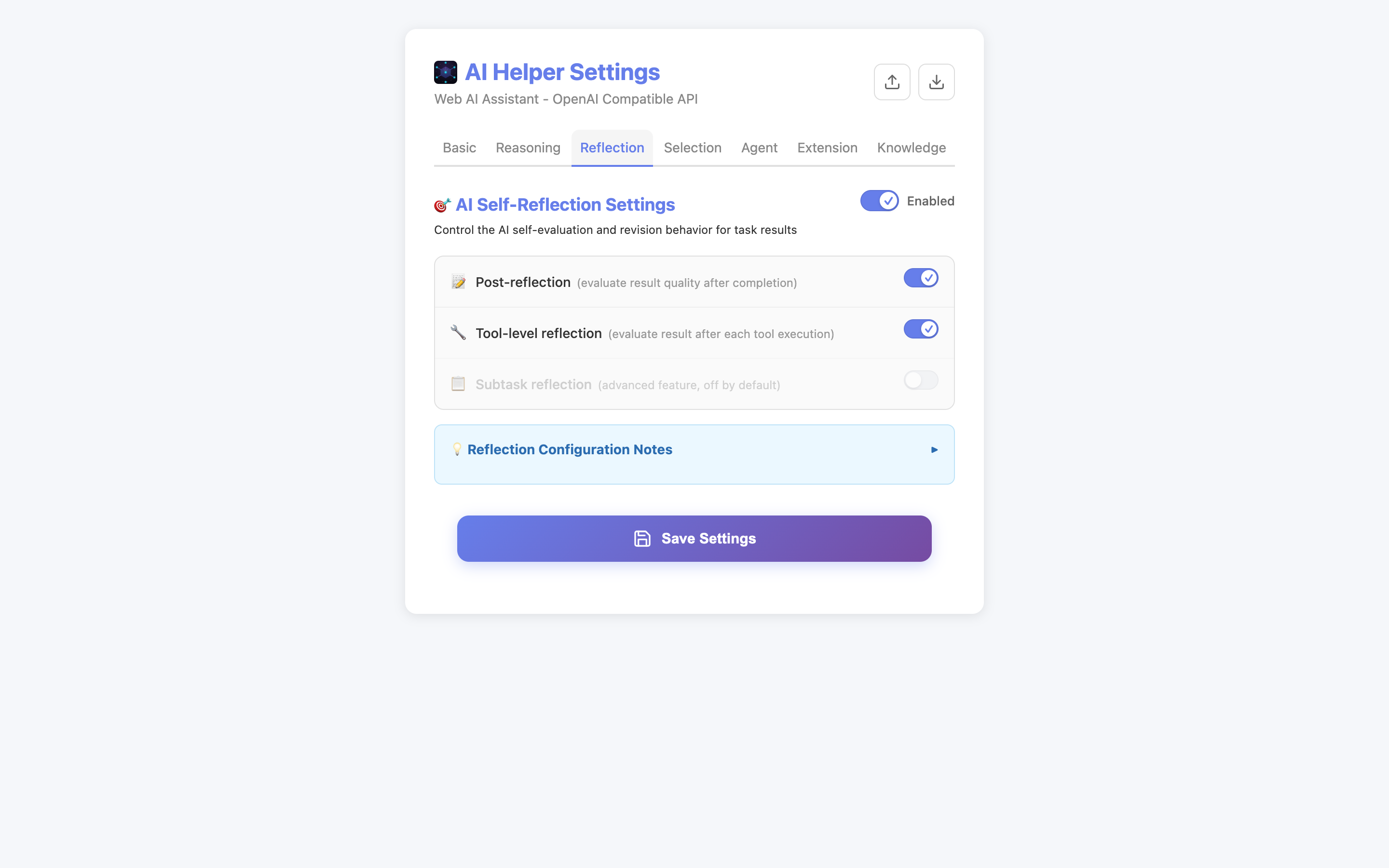
LLM Think → Call Tool → Result Feedback → Continue Reasoning. Supports multi-turn tool calls, task decomposition, streaming responses, and three-level reflection quality assurance.
🤖
Multi-Agent Collaboration
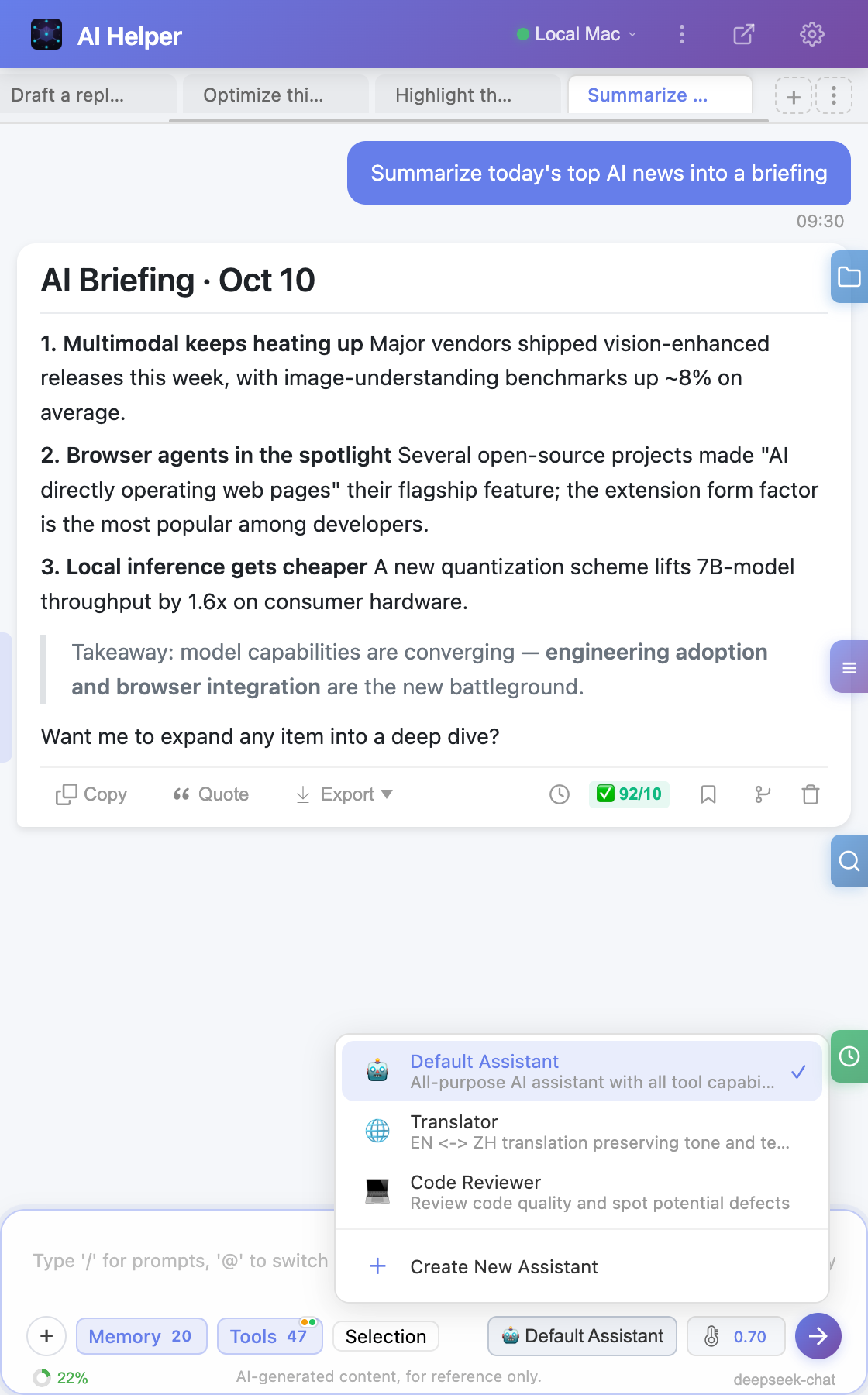
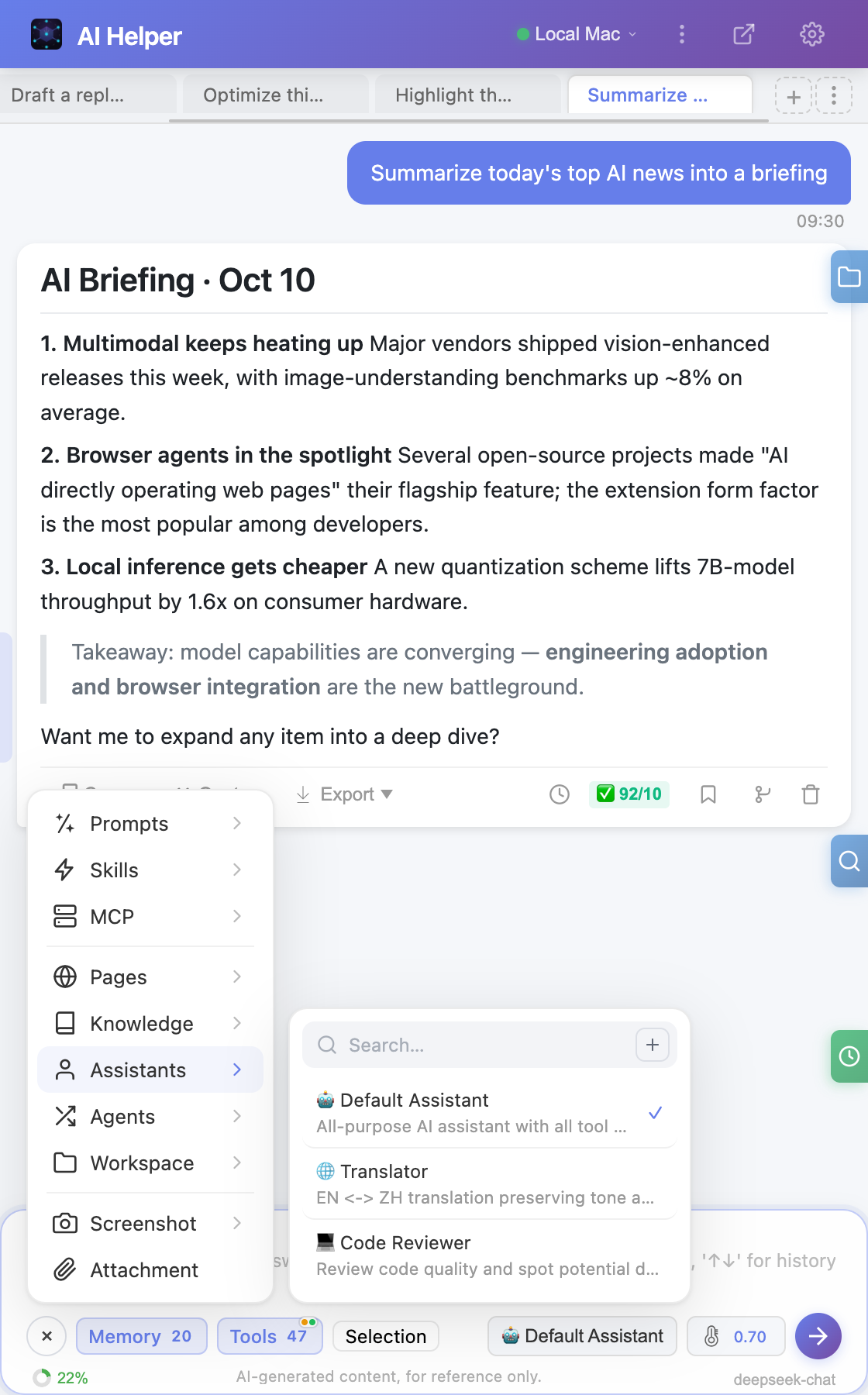
Create and manage multiple custom AI assistants with built-in templates for code review, data analysis, and more. Supports agent sub-task distribution and parallel collaboration.
🖱️
Browser Automation
Click, fill forms, scroll, drag, screenshot, wait for elements, dropdown selection. Control web pages with natural language without writing a single script.
📄
Smart Content Extraction
Plain text, HTML, tables, links, forms, images, metadata. Supports Markdown/JSON formatted output, scrolling collection of long content. Cross-tab extraction via tabId without switching tabs.
🧩
Long-Term Memory System
Automatically stores user preferences, knowledge, and decision records. Supports fact storage and conversation summary memory types, intelligent history retrieval, auto compression and eviction of low-value memories — the more you use it, the better it understands you.
📚
Local Knowledge Base (RAG)
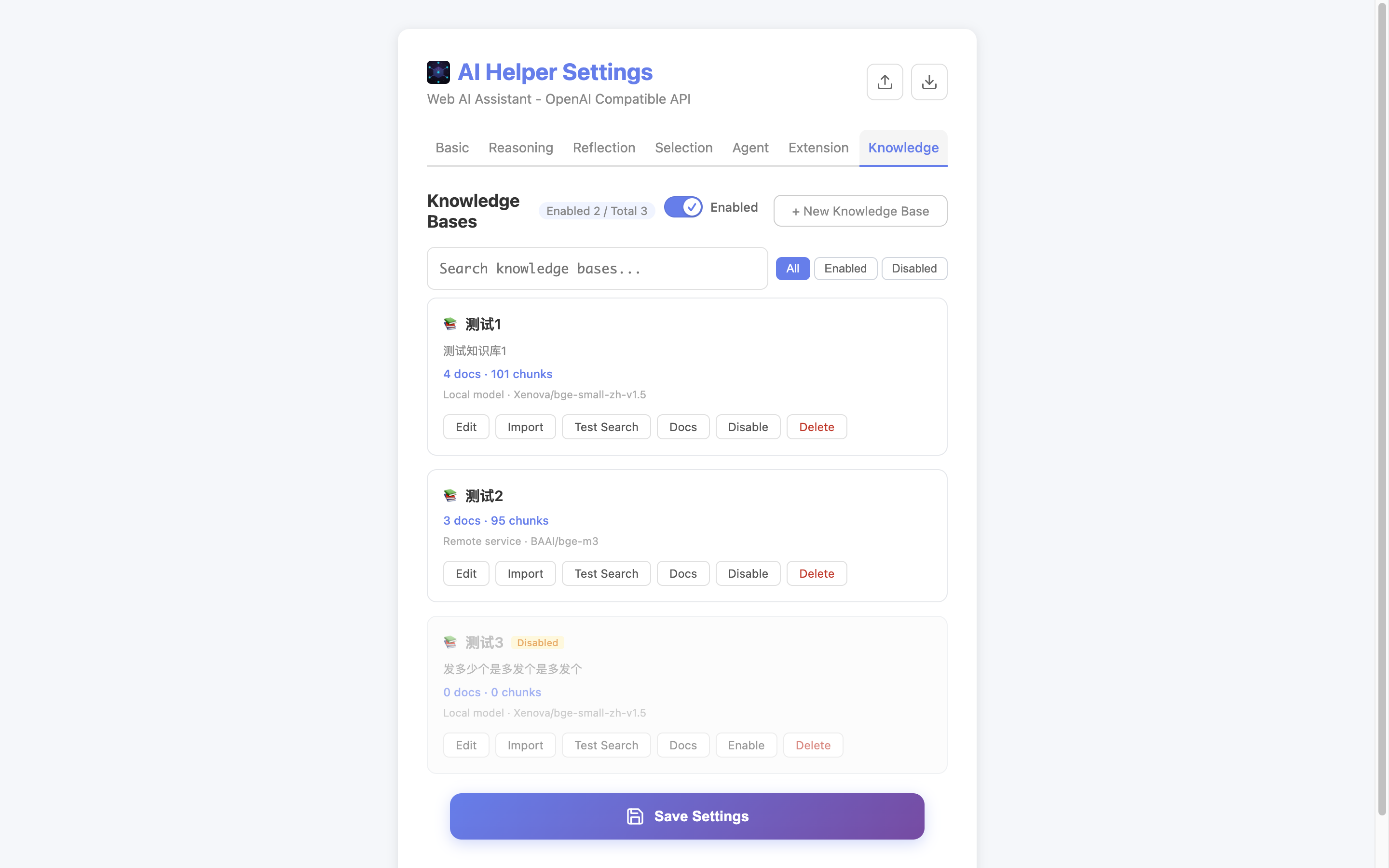
Import PDF / Word / Excel / PPT / Markdown / HTML / CSV into local knowledge bases and get retrieval-augmented answers with clickable citations. Hybrid vector + keyword retrieval, multi-base management and cross-base search — fully local via the optional Agent.
🎙️
On-Device Voice Input
Speak instead of typing: click 🎤 or press Alt+V and a streaming draft appears as you speak. Recognition runs a local ONNX model inside the optional Agent, so the audio never leaves your machine and no cloud speech service is needed. When you stop, a higher-accuracy pass adds punctuation and normalizes numbers, and the text is only inserted into the input box — never sent automatically.
🖥️
Agent Local Operations
Read/write files, search code, execute terminal commands. npm install, git operations, run scripts — all done directly in browser conversations.
📦
Artifact Detection & Clickable Paths
Files the AI produces via scripts (e.g. an exported spreadsheet) are declared and surfaced in the Artifacts panel with stat validation against hallucinated entries, and any file path in an answer is clickable to locate and highlight it in the sidebar workspace.
🎯
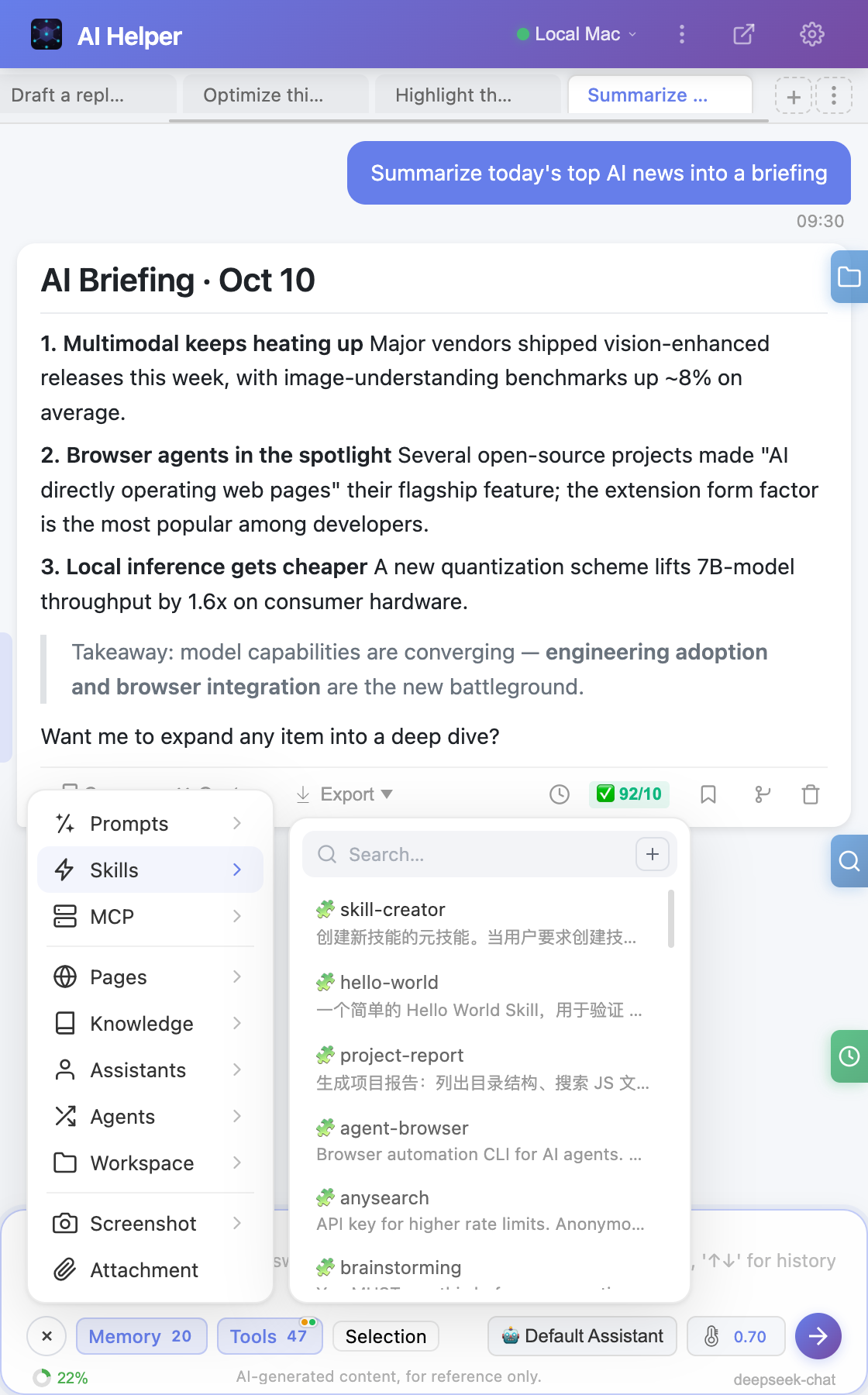
Skill System
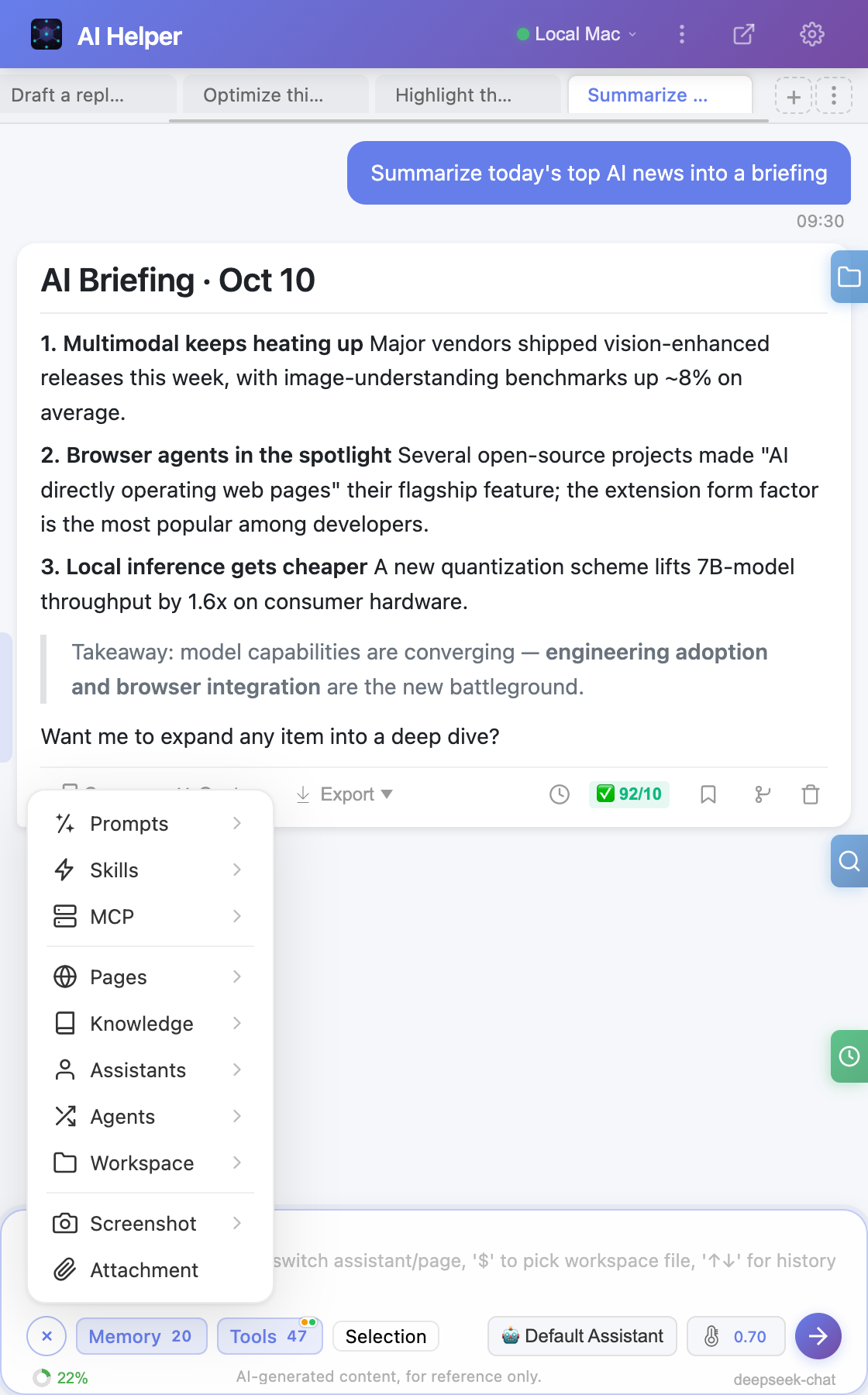
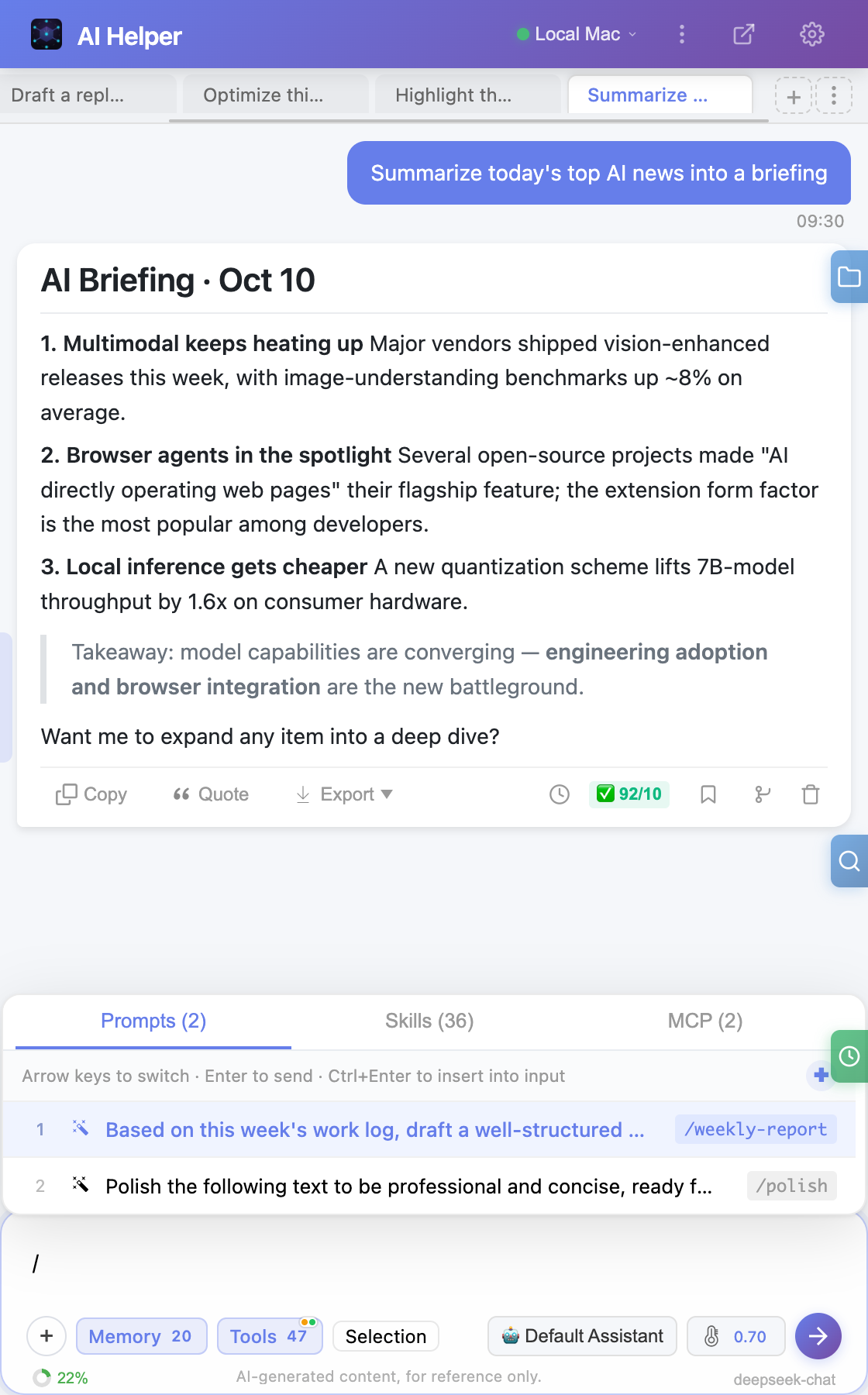
Workflow and Agent skill types, supports distilling skills from conversations. Built-in skill-creator meta-skill; select multiple skills per conversation from the / picker.
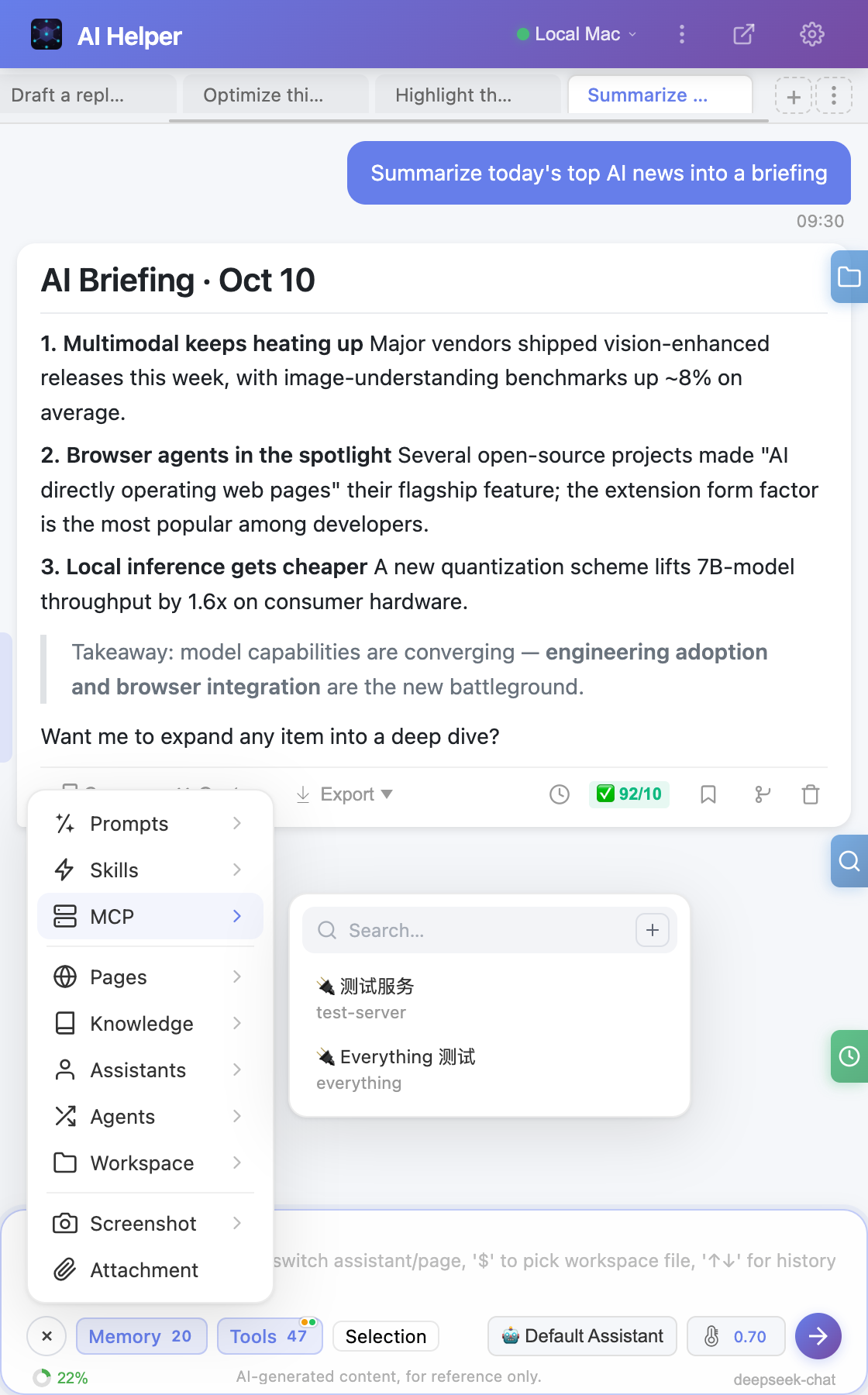
🔌
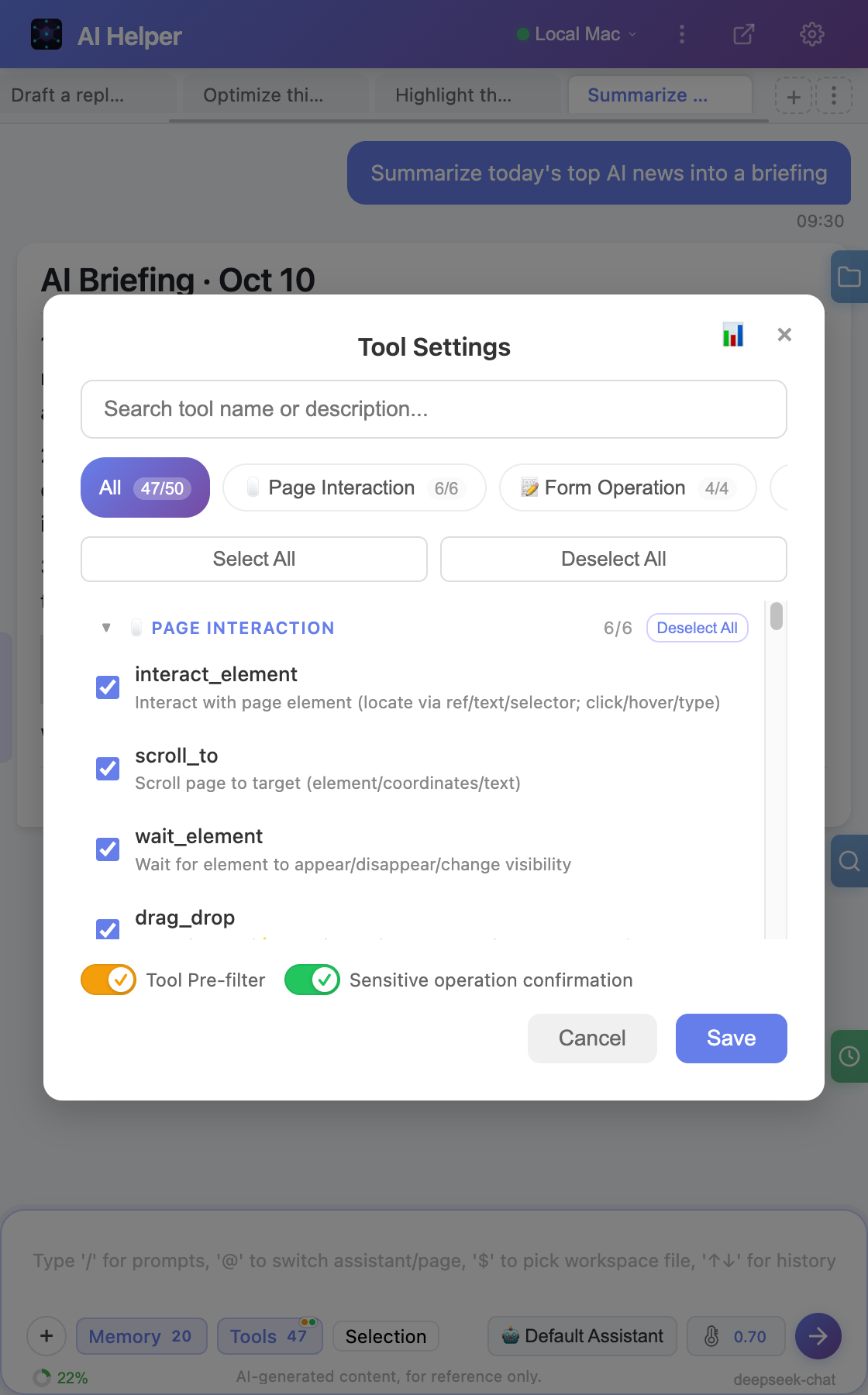
MCP Protocol Extension
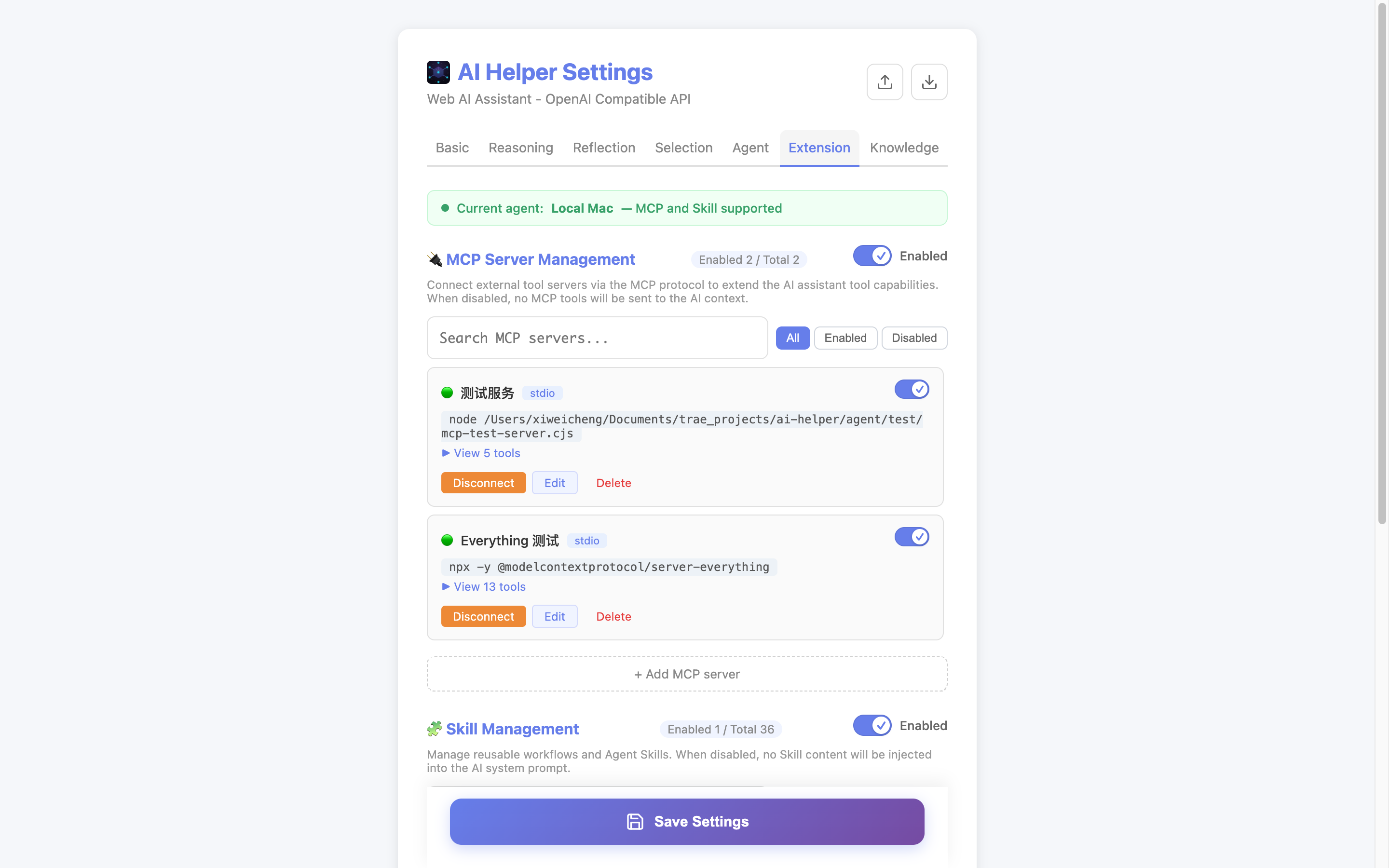
Supports Model Context Protocol, connecting third-party MCP Servers. Auto-discover tools, multi-server parallelism, per-service toggles and exclusion lists, infinitely expand capability boundaries.
📊
Markdown & Charts
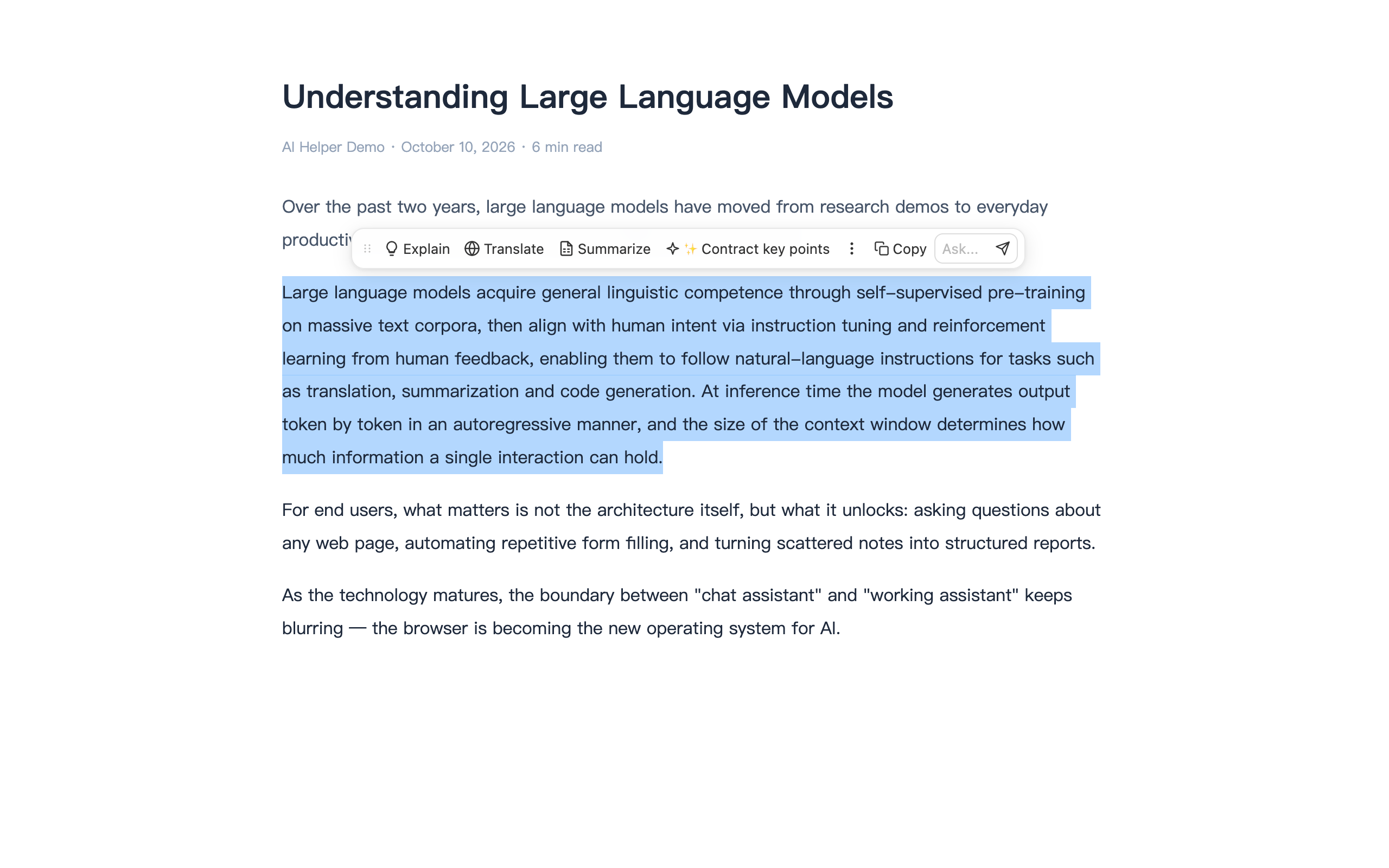
Code highlighting, Mermaid flowcharts/sequence diagrams, table export to Excel. Supports chart zoom, PNG download, source code copy.
📎
Multimodal File Q&A
Upload PDF/Word/Excel/text files and ask questions directly. Browser-side intelligent content extraction, connect to Agent for deep file operations in workspace.
✏️
Image Annotation Editor
Built-in 6 annotation tools: pen, rectangle, ellipse, arrow, eraser. Supports color/thickness adjustment and Ctrl+Z undo, send edited images directly.
👁️
Vision Model Image Analysis
Connects to vision language models, supports screenshot-based image Q&A. Independent API configuration, automatic image compression to reduce Token consumption.
🔀
Multi-Provider Profiles
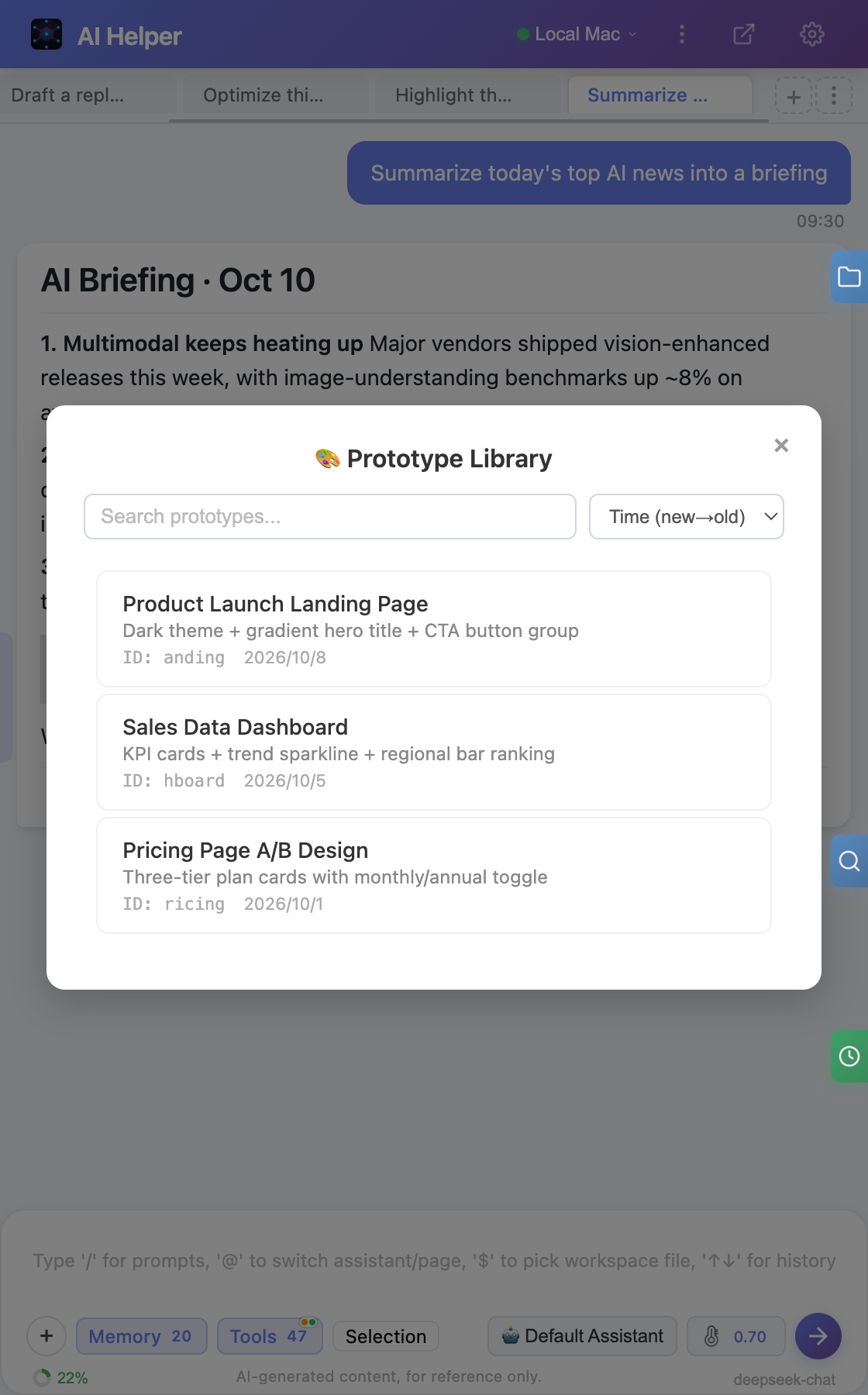
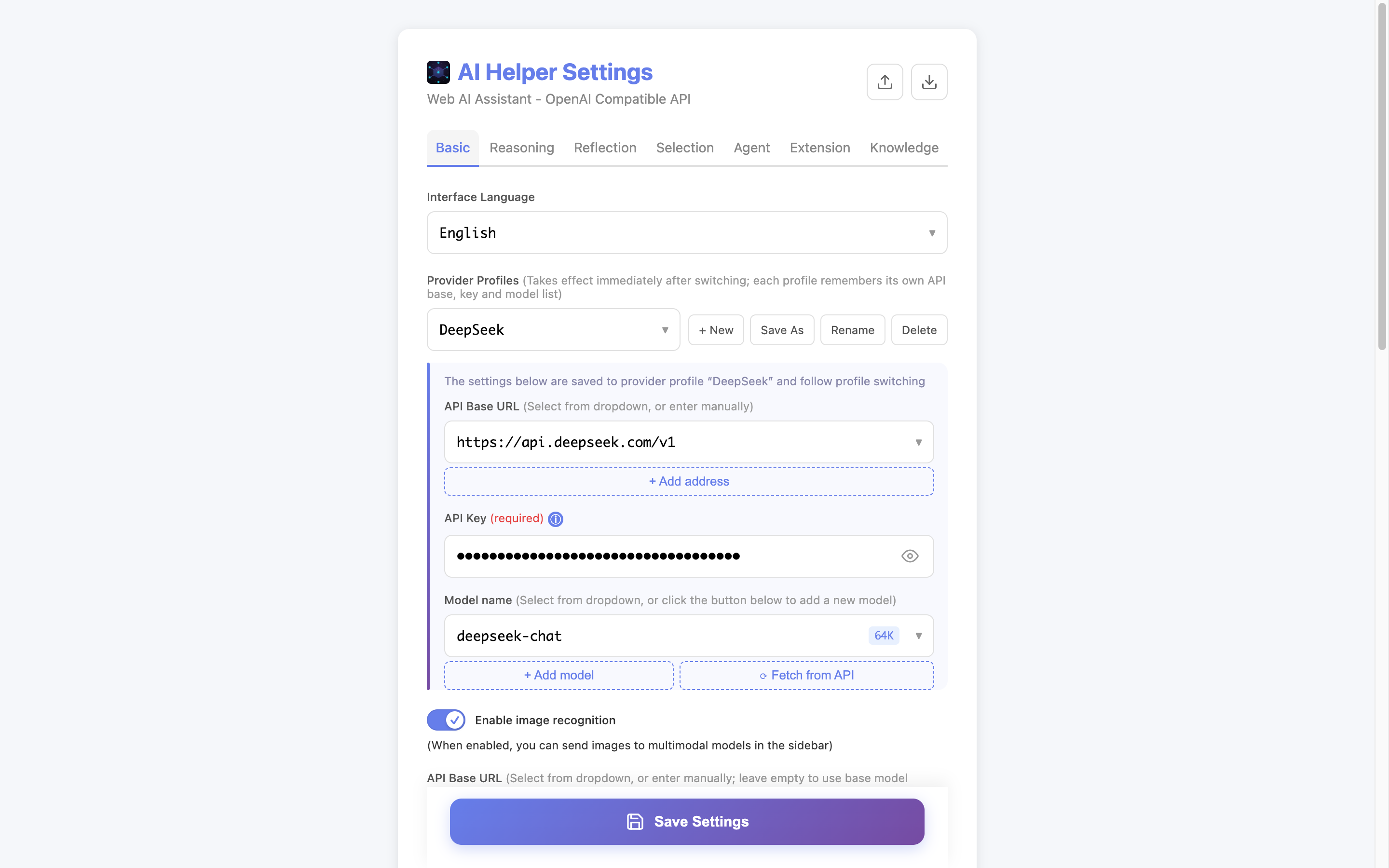
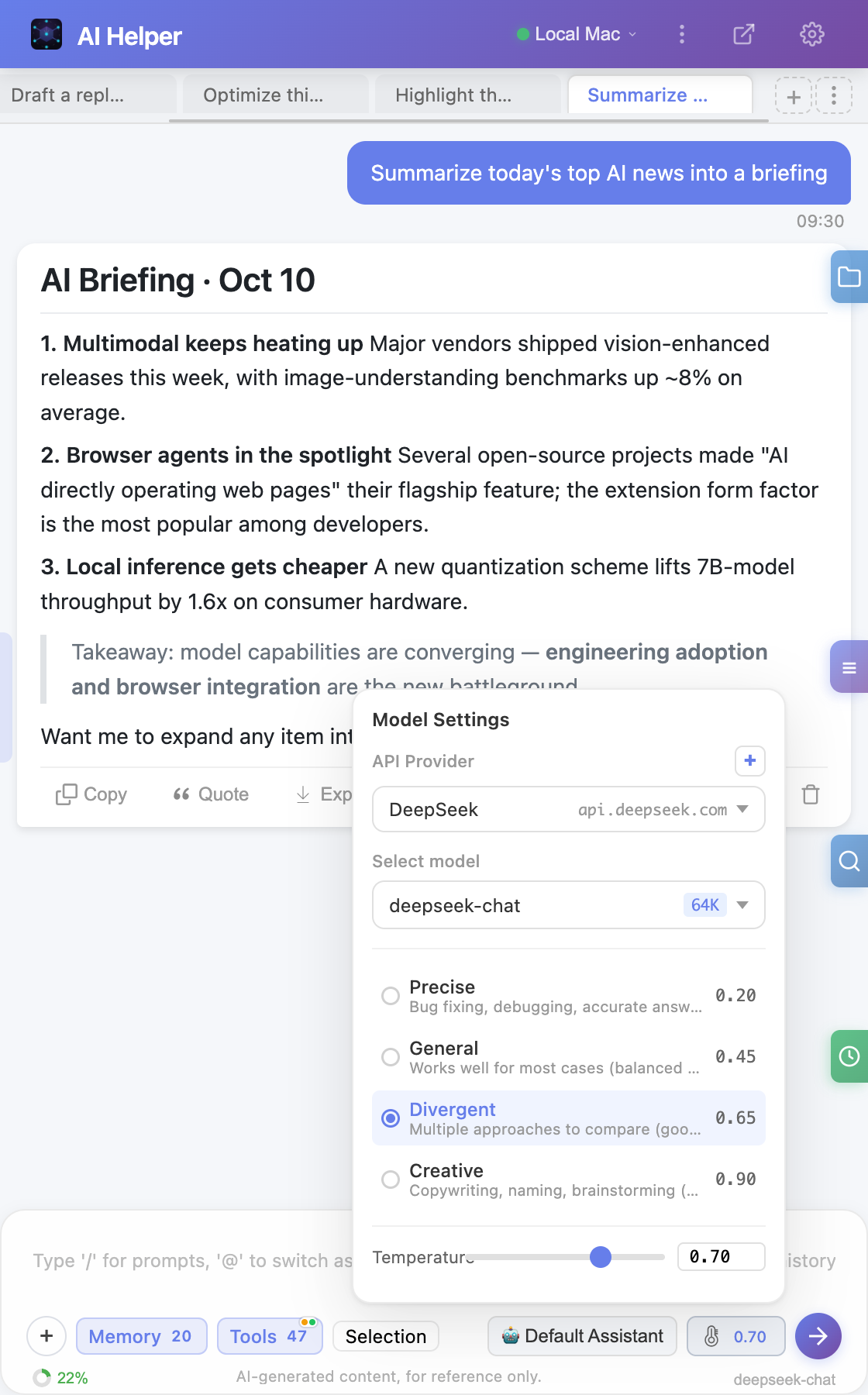
Save multiple OpenAI-compatible provider configurations (endpoint / API key / model list) and switch anytime. Pick the provider first, then the model, right in the chat panel; config import/export merges profiles by ID.
💡
Smart Context Compression
Auto-summary compression of long referenced content, intelligent truncation by Token count. Three-level pressure monitoring to prevent irrelevant information from permanently occupying context space.
💰
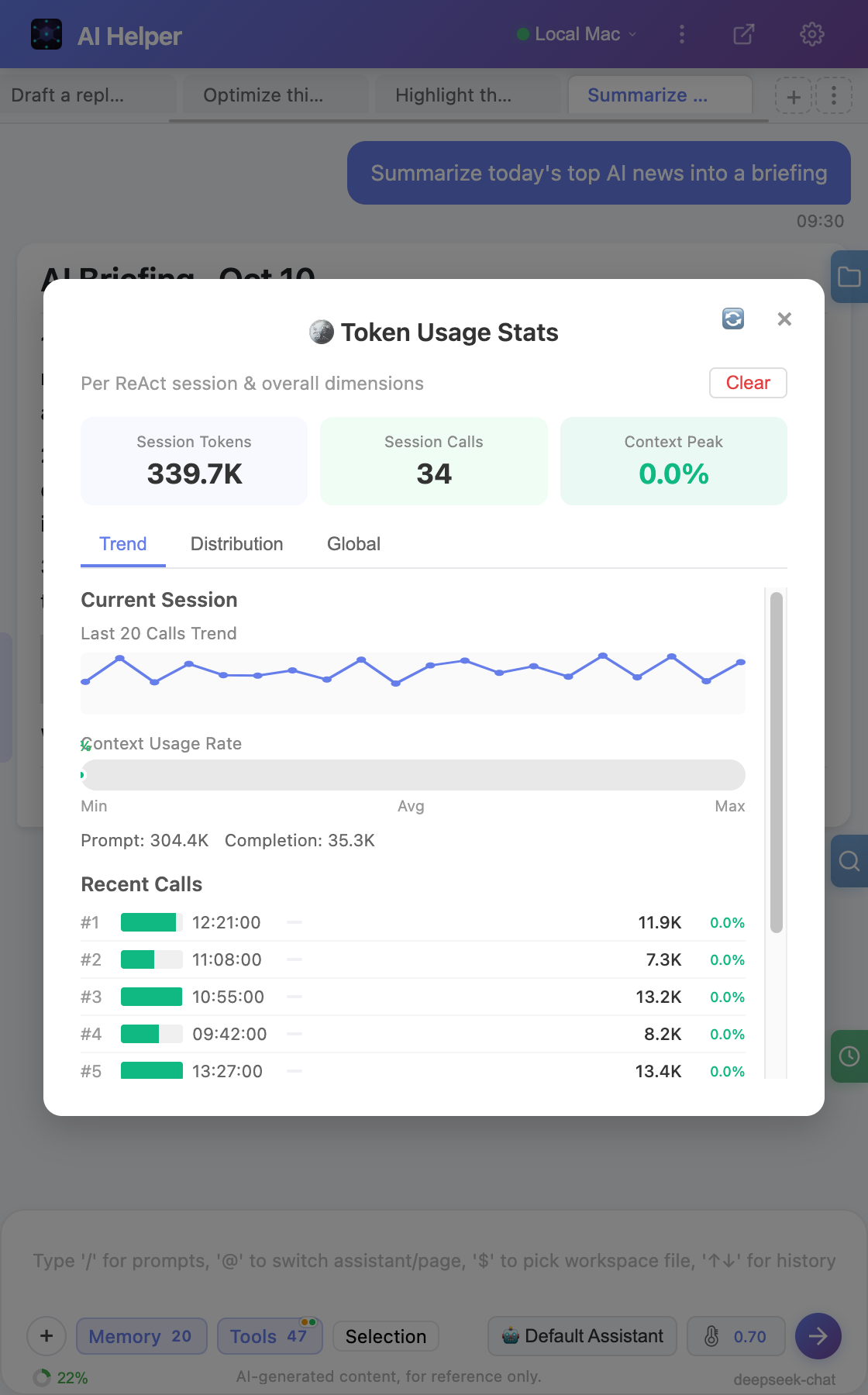
Token Statistics Panel
Real-time Token consumption tracking, session/today/history multi-dimensional statistics. Trend charts, budget management, three-level context pressure monitoring.
🔄
Task Checkpoint Recovery
Auto-save checkpoints during task execution, one-click resume after interruption. Supports SW restart recovery, streaming output preservation, 7-day TTL auto-expiry — ensures long tasks never lose progress.
🌐
@ Web Selector
Type @ to bring up the selector, "Web" tab lists all open tabs. Select a page to auto-inject its content as conversation context, enabling cross-page information understanding.
🔍
Shadow DOM Deep Penetration
Recursively penetrate multi-layer Shadow DOM and same-origin iframes to locate elements. Supports React controlled components, rich text editors — ensures precise page operations across all frontend frameworks.
📤
Multi-Format Message Export
Single messages support export to Word (with pre-rendered Mermaid charts), PDF, image, JSON and more formats, meeting sharing and archiving needs across different scenarios.
💾
Conversation Export/Import
Batch export conversations as .aihelper.json, including complete message history, execution logs, and quality scores. Compatible with new/old format import and recovery.
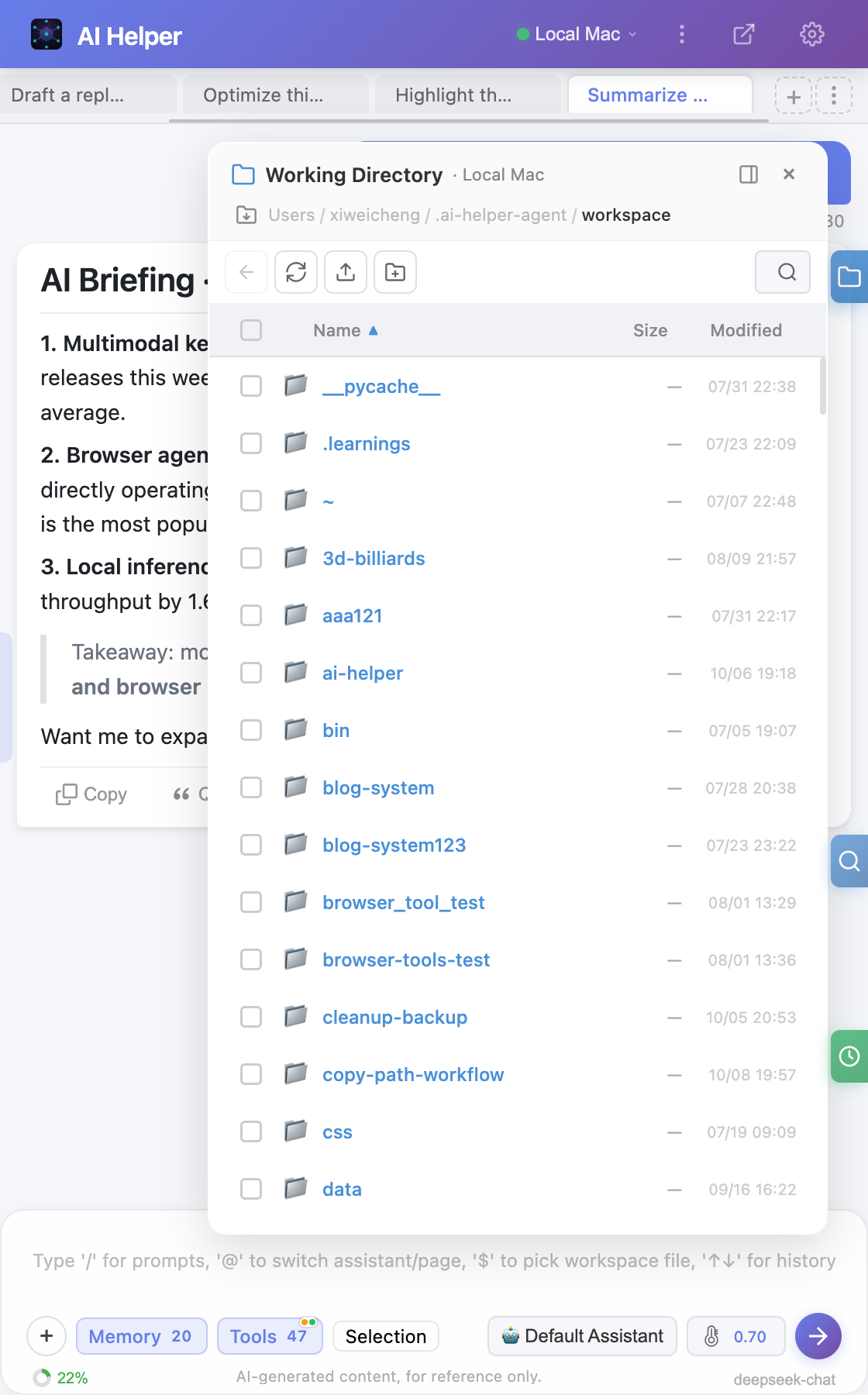
📁
Workspace Management
Browse and manage Agent's local file system directly in the sidebar. Directory tree navigation, batch operations, drag-and-drop moving, file preview — as convenient as an IDE file manager.
🔍
Message Search
Full-text search across all conversation history, supports AND/OR advanced search syntax. Dual-mode search (global/current session), incremental loading, result highlight positioning.
🔖
Message Bookmarks
One-click bookmark important AI responses, supports pinning, search, and grouping. Click a bookmark to auto-navigate to the corresponding message in the conversation for quick review.
🗑️
File Recycle Bin
Agent file deletion defaults to soft-delete to recycle bin with 7-day retention, supports one-click recovery. Say goodbye to accidental file deletion.
📄
File Preview
Built-in preview for text/code highlighting, PDF, Word, Excel, images and more formats — view file contents without leaving the sidebar.
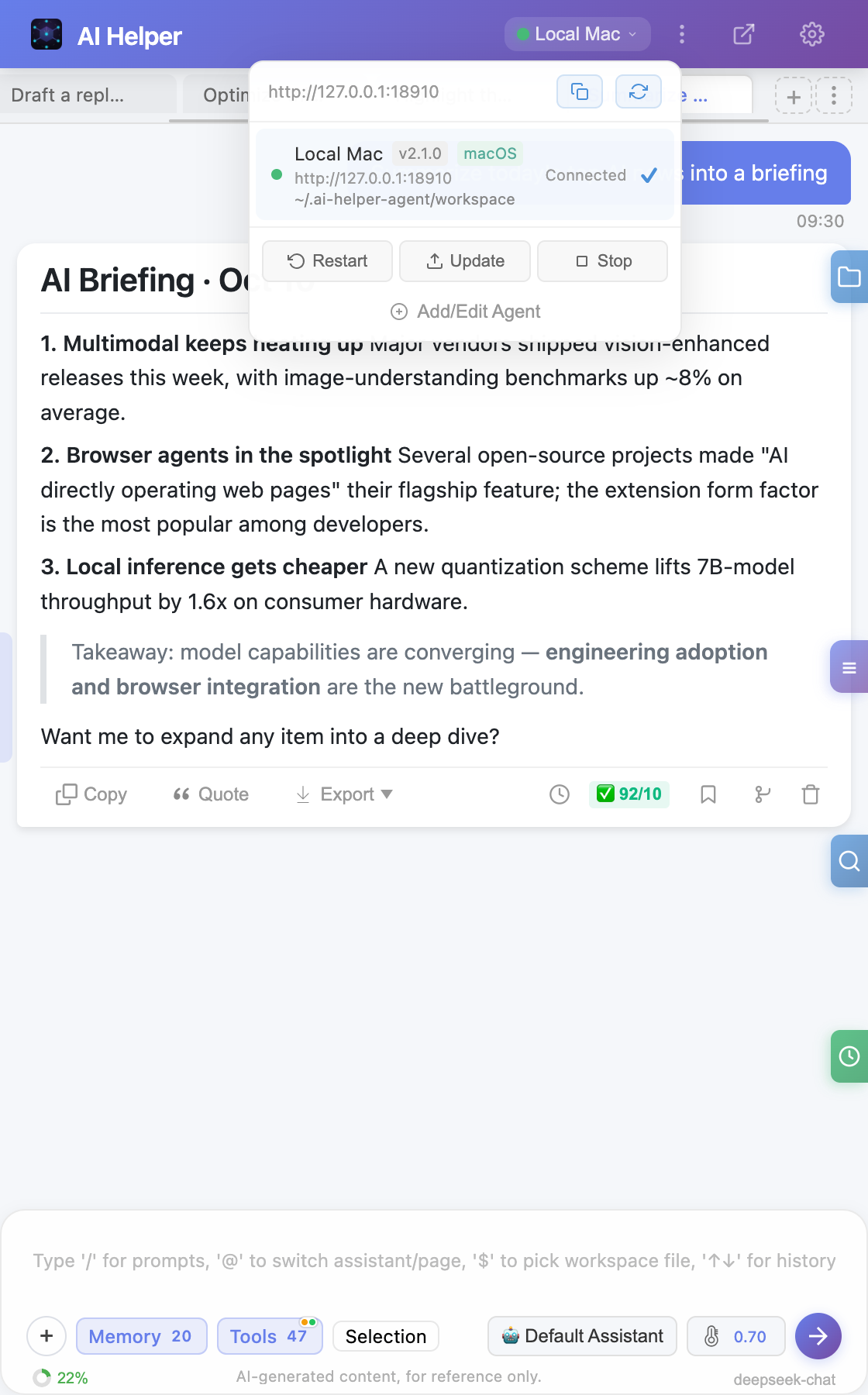
🔄
Agent Online Update
Agent service supports online restart and one-click auto-update, no manual terminal operations needed. Auto-rollback on update failure without affecting current running state.
💡
Context Incremental Summary
When conversation context Token exceeds budget, automatically compresses old tool call rounds into one-sentence summaries, preserving key information without losing context.
🔒
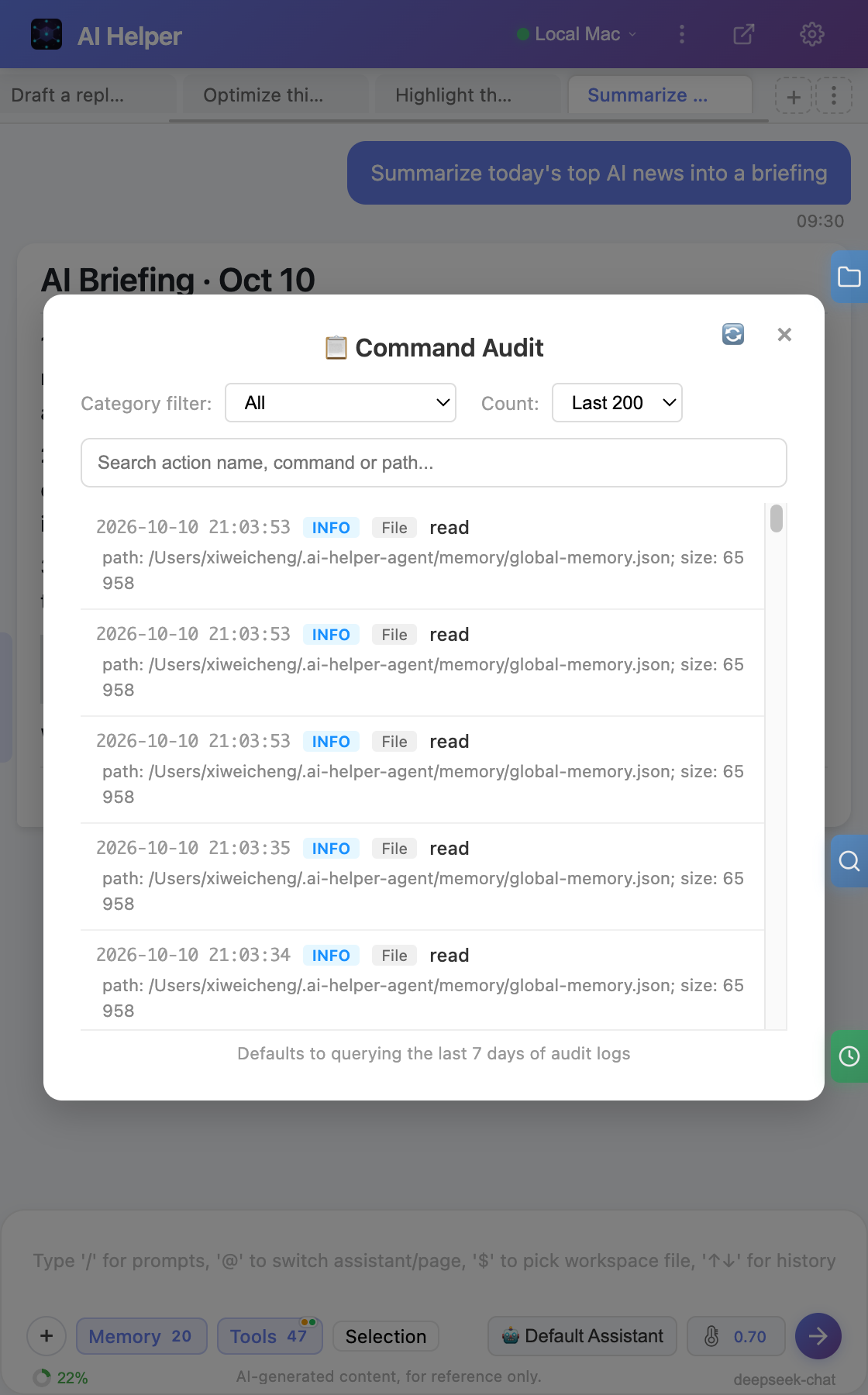
Privacy & Security
API Key local storage. Agent command tiered control (blacklist blocking + graylist confirmation), file operation sandbox protection, pairing authentication.
⏰
Scheduled Tasks
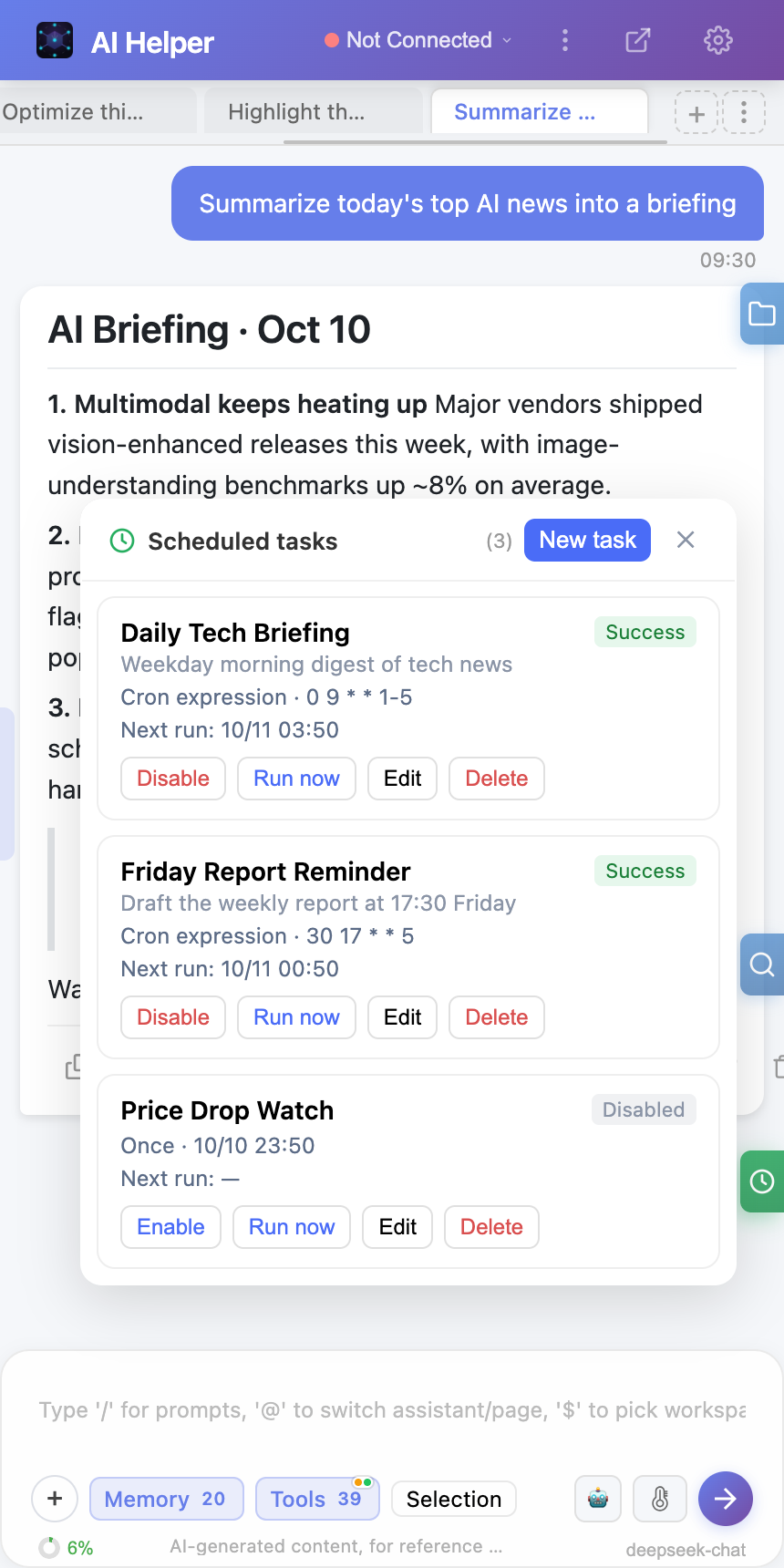
Create one-time (after X minutes / at a specific time), interval, and Cron scheduled tasks that run automatically with web-page context and host session binding. Built-in management panel, run history, failure notifications, and self-healing session recovery.
🌓
Light / Dark / System Theme
A semantic-token redesign across the whole UI with three states (light, dark, follow-system). Switch instantly from the sidebar "More" menu or the Options "Appearance" card; the resolved theme syncs across every page without a reload, with WCAG-AA dark contrast verified per panel.
✅
Objective Completion Checks
Sub-tasks from plan_task can declare doneCriteria acceptance checks verified with real DOM / command evidence (penetrating Shadow DOM and same-origin iframes) instead of trusting the model's self-report. An optional auto-rerun loop drives unmet sub-tasks back through four gates; fully unchanged when left off.